
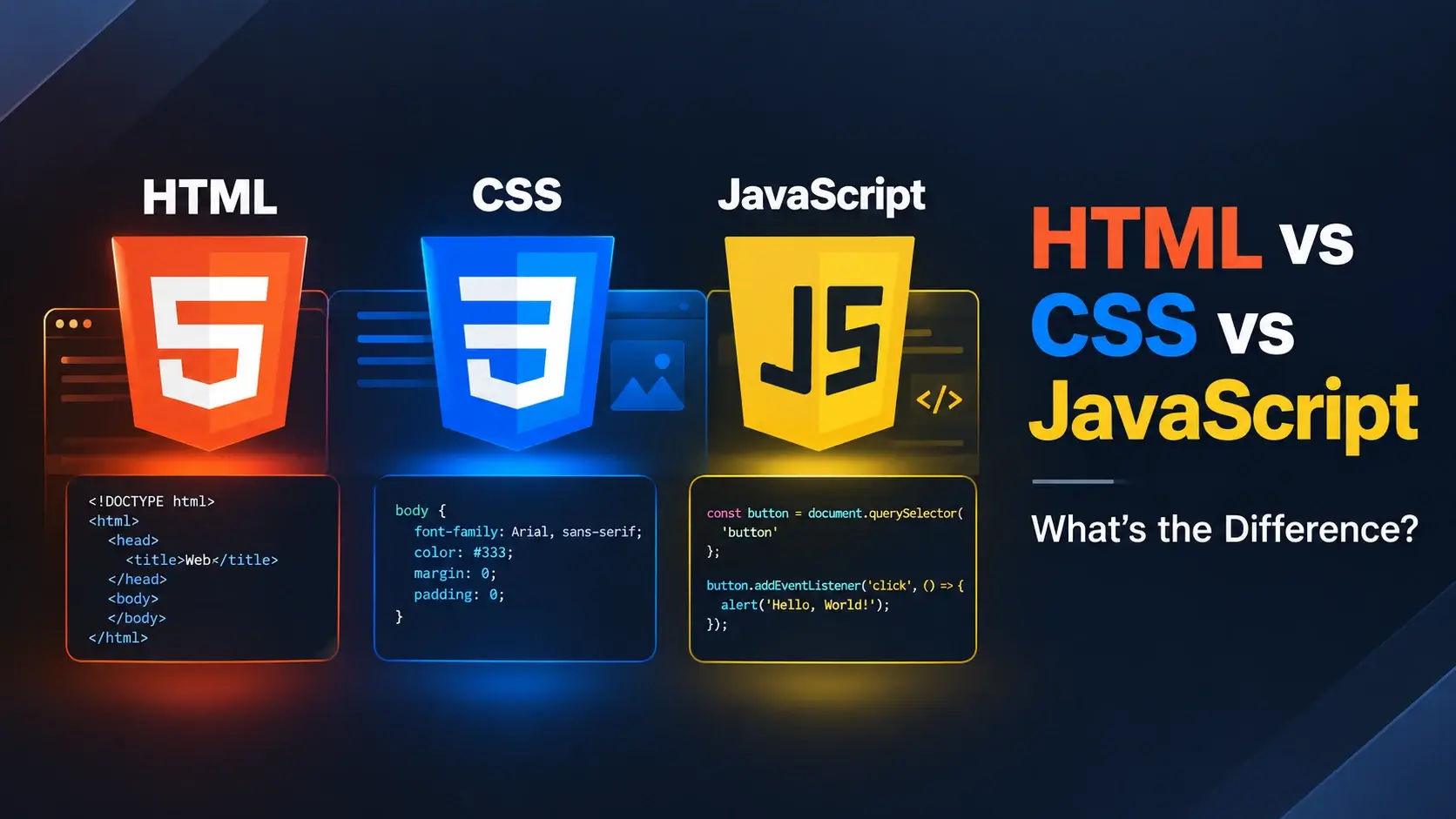
HTML, CSS, and JavaScript are the three languages behind every website you visit. They are often mentioned together — but they are not variations of the same thing. Each one is a distinct language with a distinct job.
In this guide, you will learn exactly what separates them, what each one is responsible for, how they work together, and which one to learn first. Every comparison is backed by real, runnable code examples with live previews.
Quick Comparison at a Glance
If you want the fastest possible overview, this table captures the difference in a single glance. Everything after it is a deeper explanation.
| Aspect | HTML | CSS | JavaScript |
|---|---|---|---|
| Role | Structure & content | Presentation & design | Behavior & interactivity |
| Type | Markup language | Style sheet language | Programming language |
| Contains logic? | No | No | Yes |
| Can create content? | Yes | No | Yes (dynamically) |
| Can style content? | No | Yes | Yes (via CSS or inline) |
| Handles user input? | Only markup for it | No | Yes |
| File extension | .html |
.css |
.js |
| Difficulty | Easy | Moderate | Harder |
The next three sections explain each technology on its own, then show what happens when all three are used together on a single page.
What Is HTML?
HTML (HyperText Markup Language) is the language that defines the structure of a web page. It says, “this is a heading,” “this is a paragraph,” “this is a list,” “this is a link.” It does not say how anything should look.
HTML uses tags wrapped in angle brackets. Here is a minimal HTML document:
<!DOCTYPE html>
<html lang="en">
<head>
    <meta charset="UTF-8">
    <title>HTML Only</title>
</head>
<body>
    <h1>Welcome</h1>
    <p>This page has structure but no styling.</p>
    <ul>
        <li>A heading</li>
        <li>A paragraph</li>
        <li>A list</li>
    </ul>
</body>
</html>
Open that in a browser and you get a functional but extremely plain page. Every browser applies its own default styles, but the HTML itself contains no design decisions.
What HTML is good at
- Defining headings, paragraphs, and text blocks
- Creating lists, tables, and forms
- Linking pages together
- Embedding images, video, and audio
- Describing semantic landmarks like
<header>and<main> - Providing meaning that screen readers and search engines can understand
What HTML cannot do
- Change colors, fonts, or spacing — that is CSS
- Respond to user actions — that is JavaScript
- Perform calculations or logic — that is JavaScript
HTML is the only one of the three that is required for a web page. You can build a working site with HTML alone. You cannot build one with only CSS or only JavaScript.
What Is CSS?
CSS (Cascading Style Sheets) is the language that controls how HTML elements look. It changes colors, fonts, spacing, borders, sizes, positioning, and layout — without changing the underlying content.
CSS uses selectors to target HTML elements and declarations to describe how they should be styled. Here is the same HTML as before, now with CSS added:
<!DOCTYPE html>
<html lang="en">
<head>
    <meta charset="UTF-8">
    <title>HTML + CSS</title>
    <style>
        body {
            font-family: system-ui, sans-serif;
            max-width: 520px;
            margin: 40px auto;
            padding: 28px;
            background: #f8fafc;
            color: #0f172a;
            line-height: 1.7;
            border-radius: 14px;
            box-shadow: 0 20px 50px -30px rgba(15,23,42,.35);
        }
        h1 {
            color: #0891b2;
            margin: 0 0 12px;
            font-size: 1.8rem;
        }
        p {
            color: #475569;
            margin: 0 0 16px;
        }
        ul {
            padding-left: 1.4rem;
            color: #475569;
        }
        li { margin-bottom: 6px; }
    </style>
</head>
<body>
    <h1>Welcome</h1>
    <p>This page now has structure and styling.</p>
    <ul>
        <li>A heading</li>
        <li>A paragraph</li>
        <li>A list</li>
    </ul>
</body>
</html>
The HTML is identical to the previous example. Only a <style> block was
added. That is the entire difference — and it is why CSS is considered a presentation
layer rather than a content layer.
What CSS is good at
- Typography: fonts, sizes, weights, line-height
- Colors, backgrounds, and gradients
- Spacing: margins and padding
- Layout: flexbox, grid, positioning
- Borders, shadows, and rounded corners
- Transitions and animations
- Responsive design with media queries
What CSS cannot do
- Create new content — it only styles existing HTML
- Respond to user actions like clicks — that is JavaScript
- Store or manipulate data — that is JavaScript or a server language
The word “cascading” describes how CSS rules flow through a document. When multiple rules apply to the same element, the browser decides which wins based on specificity, order, and importance. This cascade is one of CSS’s most powerful features — and sometimes its most confusing.
What Is JavaScript?
JavaScript is a full programming language that makes web pages interactive. It can respond to clicks, validate form input, fetch data from a server, update content without reloading, animate elements, and much more.
Unlike HTML and CSS, JavaScript can make decisions, repeat actions, store data in variables, and run logic. Here is a small page that uses all three technologies — HTML for structure, CSS for style, and JavaScript for behavior:
<!DOCTYPE html>
<html lang="en">
<head>
    <meta charset="UTF-8">
    <title>HTML + CSS + JavaScript</title>
    <style>
        body {
            font-family: system-ui, sans-serif;
            text-align: center;
            padding: 48px 20px;
            background: #f8fafc;
            color: #0f172a;
        }
        h1 { color: #0891b2; margin: 0 0 20px; }
        button {
            padding: 12px 24px;
            font-size: 15px;
            font-weight: 600;
            border: 0;
            border-radius: 10px;
            background: #0891b2;
            color: #fff;
            cursor: pointer;
        }
        button:hover { background: #0e7490; }
    </style>
</head>
<body>
    <h1 id="heading">Click the button</h1>
    <button id="btn">Change Heading</button>

    <script>
        let count = 0;
        document.getElementById("btn").addEventListener("click", function () {
            count++;
            document.getElementById("heading").textContent =
                "Clicked " + count + " time" + (count === 1 ? "" : "s");
        });
    </script>
</body>
</html>
The heading starts static. Each click updates its text without reloading the page. That behavior comes from JavaScript — the HTML creates the elements, the CSS styles them, and the JavaScript makes them respond.
What JavaScript is good at
- Responding to clicks, typing, scrolling, and other events
- Form validation and interactive forms
- Fetching data from a server (AJAX, Fetch API)
- Updating the page without reloading
- Animations and transitions timed to user actions
- Building full web applications with frameworks like React, Vue, or Svelte
What JavaScript cannot do
- Define page structure — that is HTML
- Style elements with clean, maintainable design rules — that is CSS
- Replace either of the other two languages — it complements them
JavaScript is the only one of the three that is a true programming language. It has variables, functions, conditions, loops, and objects. HTML and CSS are declarative — you describe what you want, and the browser handles the rest.
The Three Languages Side by Side
Here is the difference expressed in three short code samples, all solving an adjacent problem so you can see how the languages express themselves differently.
Structure
Describes what content is on the page.
- Headings and paragraphs
- Lists, tables, and forms
- Links and images
- Semantic landmarks
Presentation
Describes how the content looks.
- Colors and typography
- Spacing and layout
- Responsive breakpoints
- Transitions and animations
Behavior
Describes what happens when the user interacts.
- Clicks and keyboard events
- Form validation
- Fetching data from a server
- Dynamic updates to the page
The following example shows a single HTML element — a button — being progressively built up by each language. First the structure, then the styling, then the behavior.
Step 1 — HTML defines the button
<button>Click me</button>Step 2 — CSS styles the button
<style>
    button {
        padding: 12px 24px;
        font-size: 15px;
        font-weight: 600;
        border: 0;
        border-radius: 10px;
        background: #0891b2;
        color: #fff;
    }
</style>

<button>Click me</button>
Step 3 — JavaScript gives it behavior
<style>
    button {
        padding: 12px 24px;
        font-size: 15px;
        font-weight: 600;
        border: 0;
        border-radius: 10px;
        background: #0891b2;
        color: #fff;
        cursor: pointer;
    }
</style>

<button id="myBtn">Click me</button>

<script>
    document.getElementById("myBtn").addEventListener("click", function () {
        alert("You clicked the button!");
    });
</script>
Notice how each language handled exactly one concern. HTML created the element, CSS styled it, and JavaScript attached the behavior. This separation is the whole point — and it is what makes large websites maintainable.
The Key Differences Explained
Beyond the summary table, there are several deeper differences worth understanding.
1. Declarative vs. imperative
HTML and CSS are declarative — you describe what you want, and the browser figures out how to make it happen. JavaScript is imperative — you give step-by-step instructions the browser follows.
When you write <h1>Hello</h1>, you are declaring “this is a
heading.” When you write if (count > 5) { ... } in JavaScript, you are
instructing the browser to make a decision.
2. Presence of logic
HTML and CSS have no logic. They cannot make decisions, loop, or calculate. JavaScript can. This is the single most important difference.
3. Independence
HTML can exist on its own. CSS can exist on its own. JavaScript can exist on its own. But on a webpage, they are meant to be used together — each in its own layer.
4. What they can change
- HTML can change what content exists on the page.
- CSS can change how that content looks.
- JavaScript can change both — but it does so by manipulating HTML and CSS.
5. Error handling
HTML and CSS are forgiving. Mistype a tag or forget a closing brace, and the browser usually still renders something reasonable. JavaScript is stricter — a single syntax error can stop the entire script.
The declarative nature of HTML and CSS is what makes them beginner-friendly. You get useful results before you fully understand the language. JavaScript is less forgiving but more powerful — and that trade-off is exactly what makes it worth learning.
How the Three Work Together
A modern website uses all three in a layered approach. Each language lives in its own file and connects to the others through links in the HTML.
The HTML file usually contains links to the CSS and JavaScript files, like this:
<!DOCTYPE html>
<html lang="en">
<head>
    <meta charset="UTF-8">
    <title>Page Title</title>
    <link rel="stylesheet" href="styles.css">
</head>
<body>
    <h1>Hello</h1>
    <p>A page that links to external CSS and JS.</p>

    <script src="script.js"></script>
</body>
</html>
The browser reads the HTML first, fetches the stylesheet when it encounters the
<link> tag, and fetches the script when it reaches the
<script> tag. Everything comes together into the page you see.
The house analogy
This analogy is worth remembering:
| Technology | House Analogy | What It Does |
|---|---|---|
| HTML | Walls, doors, floors | Provides structure |
| CSS | Paint, wallpaper, furniture | Makes it look good |
| JavaScript | Electricity, plumbing, appliances | Makes it functional |
Removing the HTML would leave nothing to stand on. Removing the CSS would leave a plain concrete box. Removing the JavaScript would leave a house you cannot turn the lights on in. Each one contributes something you would notice immediately if it were gone.
Which One Is Harder to Learn?
The three languages have very different learning curves, and it is worth knowing what you are getting into before you begin.
| Language | Difficulty | Time to basics | Why |
|---|---|---|---|
| HTML | Easy | 1–2 days | Small set of tags, no logic |
| CSS | Moderate | 2–4 weeks | Layout and cascade require practice |
| JavaScript | Harder | 1–3 months | Full programming language with logic |
HTML is the easiest because it has a small vocabulary of tags and no logic. You can learn the basics in a weekend and build something real by day three.
CSS is medium. The syntax is simple, but layout is genuinely tricky. Flexbox, grid, spacing, and the cascade all take real practice to feel natural.
JavaScript is the hardest of the three because it is a programming language. You will need to understand variables, functions, conditions, loops, objects, and asynchronous code before you feel truly comfortable with it. Give it time.
Do not try to master any of the three before starting the next. Learn the basics of HTML, then the basics of CSS, then the basics of JavaScript — then come back and go deeper. Building small projects along the way is the fastest path.
Which Should You Learn First?
The answer is simple: learn HTML first, then CSS, then JavaScript. This order is not arbitrary — it mirrors the way the languages depend on each other.
Why HTML comes first
HTML is the foundation. CSS styles HTML elements. JavaScript interacts with HTML elements.
If you do not know what a <div> or <p> is, neither of
the other languages will make sense.
Why CSS comes second
Once you can build the structure of a page, you want to make it look good. CSS is the natural next step — and it is immediately visual, which keeps learning motivating.
Why JavaScript comes third
JavaScript is the most powerful of the three, but it also has the steepest curve. Learning it after HTML and CSS means you already understand the elements it interacts with and the styles it changes.
Avoid the temptation to learn all three simultaneously. Beginners who try to jump into React or Vue in week one usually stall out. Give each language its own dedicated stretch of time — a week for HTML, a few weeks for CSS, then months for JavaScript.
Common Mistakes Beginners Make
Most confusion between these three languages comes from a small set of repeated mistakes.
1. Using HTML for design
Writing <font color="red"> or <center> is obsolete.
Style belongs in CSS, not in HTML.
2. Using CSS for logic
CSS cannot make decisions. If you find yourself wanting an “if” statement in CSS, you almost always want JavaScript instead.
3. Using JavaScript for basic styling
Do not change fonts or colors with JavaScript when CSS would do the job. JavaScript is for behavior, not for basic presentation.
4. Not separating concerns
Keeping HTML, CSS, and JavaScript in separate files is not just tidier — it is how professional projects work, and it makes your code reusable.
5. Learning frameworks before the languages
React, Vue, and Svelte are all built on HTML, CSS, and JavaScript. Learn the fundamentals first, and the frameworks will make much more sense.
Mixing the three languages in a single file without structure. Inline styles and inline scripts might feel convenient, but they quickly become unmaintainable. Keep them separate from day one.
Frequently Asked Questions
1. What is the main difference between HTML, CSS, and JavaScript?
HTML defines the structure and content of a web page. CSS defines how that content looks. JavaScript defines how it behaves. Each language has a distinct job, and they are designed to work together.
2. Is HTML harder than CSS or JavaScript?
HTML is the easiest of the three to learn because it uses simple tags with no logic. CSS is a bit harder because of layout and specificity. JavaScript is the most challenging because it is a full programming language.
3. Do I need to learn HTML before CSS?
Yes, it is strongly recommended. CSS styles HTML elements, so understanding HTML structure first makes learning CSS much easier and more meaningful.
4. Do I need to learn CSS before JavaScript?
Not strictly, but it helps. Many JavaScript interactions involve changing CSS classes or styles, so knowing how CSS works makes JavaScript easier to apply.
5. Can I use JavaScript without HTML and CSS?
You can run JavaScript in other environments like Node.js, but for websites, JavaScript needs HTML to have elements to interact with. CSS is optional but commonly used alongside.
6. Is JavaScript harder than HTML and CSS?
Yes. JavaScript is a full programming language with variables, functions, conditions, loops, and objects. HTML and CSS are declarative languages without logic, which makes them easier to learn.
7. Which one should I learn first?
Learn HTML first to understand structure. Then CSS to understand styling. Then JavaScript to add behavior. This order builds naturally on itself.
8. Can a website work with only HTML?
Yes. HTML alone produces a functional but plain-looking page. Adding CSS improves appearance, and JavaScript adds interactivity, but neither is strictly required for a page to load.
9. Does CSS replace HTML?
No. CSS cannot create content or structure — it can only style content that already exists in the HTML. Each language has a distinct and separate role.
10. Does JavaScript replace CSS?
No. JavaScript can change styles dynamically, but for static design and layout, CSS is far more appropriate and efficient. They solve different problems.
11. Are HTML, CSS, and JavaScript used for anything else?
They are primarily web technologies, but they also power progressive web apps, desktop apps (Electron), mobile apps (React Native), and many embedded interfaces.
12. Is it better to learn all three at once?
No. Most beginners get confused learning three languages simultaneously. Learn one at a time — HTML first, then CSS, then JavaScript — and practice each before moving on.
Key Takeaways
- HTML provides structure — it defines what content is on the page.
- CSS provides presentation — it defines how that content looks.
- JavaScript provides behavior — it defines what happens when the user interacts.
- HTML and CSS are declarative languages with no logic. JavaScript is a full programming language.
- HTML is required for a web page. CSS and JavaScript add design and behavior on top of it.
- Learn them in order — HTML first, then CSS, then JavaScript — and practice each one before moving on.
- Keeping the three languages in separate files is the standard for professional projects.
What to Learn Next
Now that you understand how the three languages differ, the next step is to go deep on each one. Start with What Is HTML? for a full beginner’s guide to the structure layer. Then explore HTML Elements and HTML Attributes to build strong foundations.
If you want to understand how the three languages work together in a real page, see How Websites Work: HTML, CSS and JavaScript Explained.
Practice Challenge
Build a single page that uses all three languages in clearly separated roles. Your page should include:
- A heading with your page title
- A paragraph explaining what the page does
- A button that says “Show Message”
- A hidden message that appears when the button is clicked
- Styling for the button, page, and message — using CSS
- The click behavior and message toggle — using JavaScript
Try to keep the three languages in three separate files: index.html,
styles.css, and script.js. When each file handles exactly one
responsibility, you have understood the difference between the three technologies.

 Inar Learn