
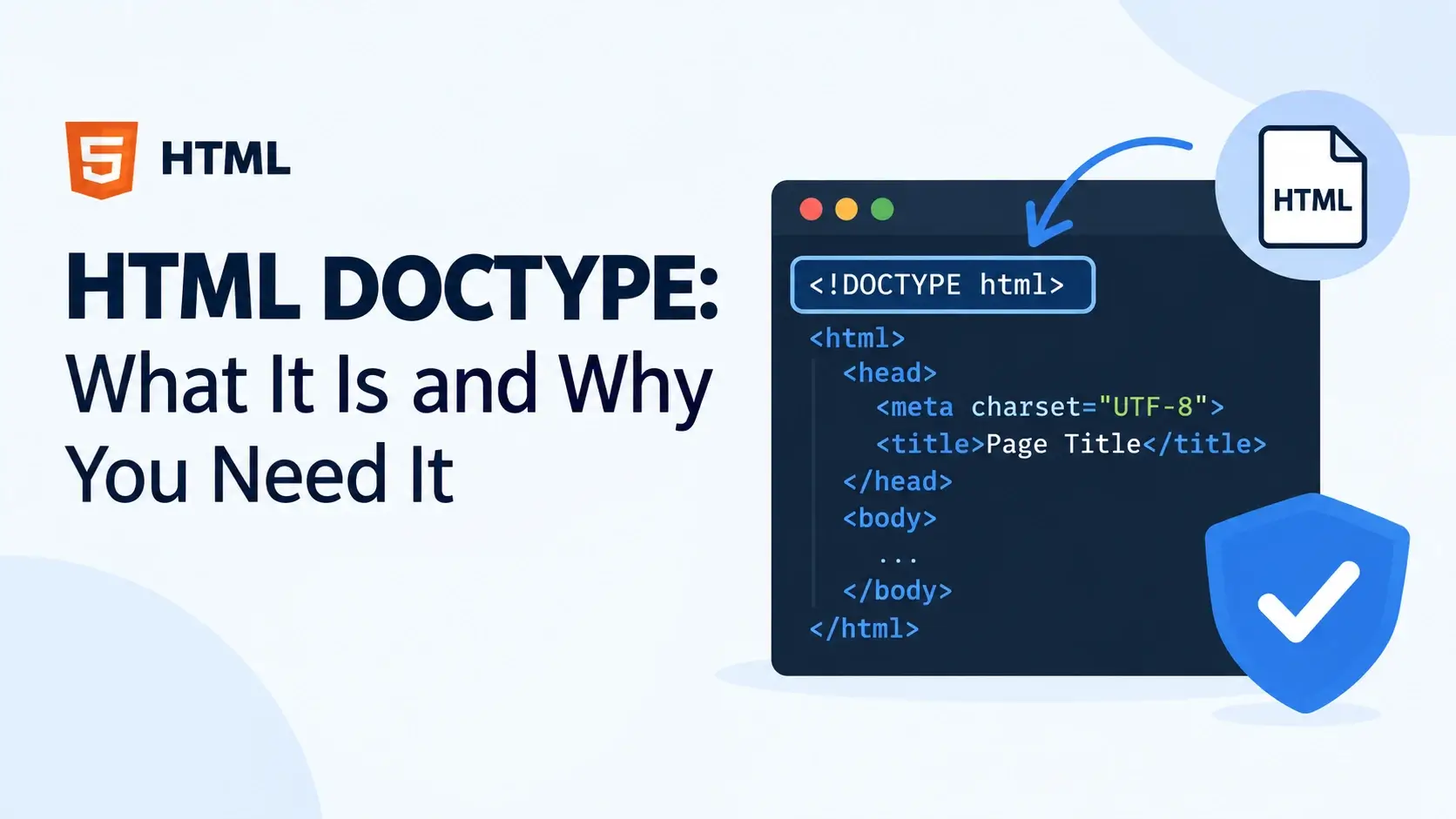
Every HTML file you have ever seen starts with the same line. It is short, easy to miss, and easy to forget. And yet, if you omit it, browsers silently switch into a legacy compatibility mode that can break the layout of everything on the page.
That line is the DOCTYPE declaration. In this guide, you will learn what it is, why it exists, how it decides which rendering mode your browser uses, and how to use it correctly in modern HTML.
What Is the DOCTYPE?
The DOCTYPE is a short declaration that appears as the very first line of an HTML file. It is not an HTML element, and it does not have a closing tag. It is a standalone instruction to the browser that says: “this document is written according to this specification.”
In HTML5, it looks like this:
<!DOCTYPE html>That is the entire declaration. Three words, two angle brackets, one exclamation point. It has no attributes, no parameters, and no configuration options.
The DOCTYPE must appear before the <html> element — before any HTML,
any comments, any whitespace. Not even a blank line should come before it.
You will not type this manually very often. Every code editor and boilerplate template includes it. But understanding why it exists helps you recognize what happens when it is missing.
The Anatomy of the DOCTYPE
Even though the DOCTYPE is short, each part has a purpose. Here is what each piece means.
A few things to notice:
- It starts with
<!— the exclamation mark identifies it as a declaration, not a tag. DOCTYPEis the keyword — always uppercase by convention, but case-insensitive.htmlis the document type — this is what distinguishes HTML5 from older versions.- There is no closing tag and no forward slash at the end — just a normal closing bracket.
The DOCTYPE is often called a tag, but technically it is a declaration. Tags describe elements; the DOCTYPE declares how the whole document should be interpreted.
Why the DOCTYPE Matters
The DOCTYPE does not display anything on the page and is not visible to visitors. But it changes the way the browser interprets the rest of the document, in two important ways.
Quirks Mode
Browsers fall back to quirks mode — a legacy rendering mode that mimics the behavior of browsers from the 1990s and early 2000s.
In quirks mode, the box model works differently, some properties are ignored, and modern layout techniques break in subtle, confusing ways.
Standards Mode
Browsers use standards mode — the modern, specification-compliant rendering mode that everything is designed for today.
In standards mode, CSS behaves exactly as documented, modern features work correctly, and layout is predictable across browsers.
This is the real reason the DOCTYPE exists. It is a switch that toggles the browser between two different rendering engines.
Why quirks mode exists at all
When browsers first introduced standards mode, they faced a dilemma: the early web was full of pages that relied on buggy behavior. If browsers switched to strict standards overnight, millions of old websites would break.
The solution was a compromise. Browsers would use quirks mode for documents without a DOCTYPE, and standards mode for documents with a valid one. This way, new pages could be written correctly, and old pages kept working.
When you forget the DOCTYPE on a new page, the browser does not warn you. It silently switches to quirks mode, and your carefully-written CSS may not work as expected. This is one of the most common causes of “it works on my other page but not this one” bugs.
Quirks Mode vs Standards Mode in Practice
The most visible difference between the two modes is the box model. In standards mode, padding and border add to the width of an element. In quirks mode, they are included in the width.
<!DOCTYPE html>
<html lang="en">
<head>
    <meta charset="UTF-8">
    <title>Box Model Comparison</title>
    <style>
        body { font-family: system-ui, sans-serif; padding: 24px; background: #f8fafc; }
        .box {
            width: 300px;
            padding: 40px;
            border: 10px solid #0891b2;
            background: #e0f7fa;
            margin-bottom: 16px;
        }
    </style>
</head>
<body>
    <p>With a valid DOCTYPE, the total width is:</p>
    <div class="box">300px + 80px padding + 20px border = 400px</div>
</body>
</html>
In standards mode, the total rendered width is 400px — 300 for the content, plus 80 for
the padding and 20 for the border. The width property only sets the content
box.
In quirks mode, the total width would be 300px — the browser subtracts the padding and border from the specified width. Same CSS, entirely different result.
| Property | Quirks mode | Standards mode |
|---|---|---|
| Box model width | Padding and border inside the width | Padding and border added outside the width |
| Percentage heights | Behave inconsistently | Resolve against the parent’s height |
| Inline-block width | May ignore specified widths | Respects specified widths |
| Font-size inheritance | May inherit from the wrong element | Follows standard inheritance rules |
| Centering with margin auto | Often fails | Works as documented |
Modern CSS — flexbox, grid, transitions, most layout properties — assumes standards mode. If the DOCTYPE is missing, some of these features may not work at all.
The HTML5 DOCTYPE
HTML5 introduced the shortest possible DOCTYPE. It is deliberately minimal — just enough to trigger standards mode, with no version information or DTD reference.
<!DOCTYPE html>This is the entire declaration. Nothing else. It works in every modern browser.
Why so short?
The design team behind HTML5 realized that the older, longer doctypes were cumbersome and error-prone. People often mistyped them, and getting even one character wrong could trigger quirks mode.
HTML5 replaced the DTD-based system with a simple flag. Instead of saying “this document follows HTML 4.01 Strict with DTD X,” the new DOCTYPE just says “this document is modern HTML.” The browser knows what to do.
In most of web standards, changes add complexity. The HTML5 DOCTYPE is a notable exception — it removed dozens of characters of boilerplate and made the system more forgiving.
What Older DOCTYPEs Looked Like
Before HTML5, the DOCTYPE was much longer. It pointed to a Document Type Definition (DTD) file hosted on the W3C website. That file told browsers exactly which elements and attributes were allowed.
HTML 4.01 Strict
<!DOCTYPE HTML PUBLIC
    "-//W3C//DTD HTML 4.01//EN"
    "http://www.w3.org/TR/html4/strict.dtd">
HTML 4.01 Transitional
<!DOCTYPE HTML PUBLIC
    "-//W3C//DTD HTML 4.01 Transitional//EN"
    "http://www.w3.org/TR/html4/loose.dtd">
XHTML 1.0 Strict
<!DOCTYPE html PUBLIC
    "-//W3C//DTD XHTML 1.0 Strict//EN"
    "http://www.w3.org/TR/xhtml1/DTD/xhtml1-strict.dtd">
Each of these referred to a different DTD — Strict, Transitional, or Frameset — and each
told the browser a different set of rules. Transitional allowed obsolete presentational
elements like <font>, while Strict forbade them.
In practice, this complexity caused more problems than it solved. Web developers had to memorize which doctype to use for which situation, and a single typo could switch a page into quirks mode without warning.
Modern HTML uses <!DOCTYPE html> and nothing else. You do not need
to know the older forms unless you are working with legacy code.
DOOCTYPE Syntax Rules
The DOCTYPE has a small set of rules that every HTML file must follow. They are simple but strict.
First line only
It must be the very first thing in the file. Nothing before it — not even a blank line.
Case-insensitive
<!DOCTYPE html>, <!doctype html>, and <!DocType HTML> all work.
One per document
Only one DOCTYPE. Additional declarations are ignored or treated as errors.
No closing tag
There is no </DOCTYPE>. The declaration is self-contained.
Whitespace inside is OK
<!DOCTYPE html> works. But whitespace before the declaration does not.
Comments must come after
An HTML comment above the DOCTYPE pushes it out of first position and can trigger quirks mode.
Correct placement
<!DOCTYPE html>
<html lang="en">
<head>
    <meta charset="UTF-8">
    <title>Page</title>
</head>
<body>
    <p>Content</p>
</body>
</html>
Incorrect placement
<!-- Comment above the DOCTYPE -->
<!DOCTYPE html>
<html lang="en">

<!-- The browser may trigger quirks mode -->
Notice that even a single HTML comment above the DOCTYPE can cause problems. The DOCTYPE must be genuinely first.
Some browsers tolerate blank lines before the DOCTYPE; others do not. The safest rule is simple: the DOCTYPE must be on line one, character one.
How to Check Which Mode You Are In
If you are not sure whether your page is in quirks mode or standards mode, the browser can tell you in one quick step.
- Open your page in a browser.
- Press F12 (or right-click → Inspect) to open DevTools.
- Open the Console tab.
- Type
document.compatModeand press Enter.
The console will print one of two values:
| Value | Meaning |
|---|---|
"CSS1Compat" |
Standards mode — a valid DOCTYPE was found |
"BackCompat" |
Quirks mode — no valid DOCTYPE was found |
If you see "BackCompat", something is wrong with your DOCTYPE. Check that it
is the first line of the file, spelled correctly, and not preceded by anything.
When a layout works on one page but not another, this is one of the first things to check. A single missing DOCTYPE can explain almost every “why does it look different” bug in CSS.
A Complete File with the DOCTYPE
Here is a full, well-formed HTML file. Notice the DOCTYPE as line one, with nothing before it.
<!DOCTYPE html>
<html lang="en">
<head>
    <meta charset="UTF-8">
    <meta name="viewport" content="width=device-width, initial-scale=1.0">
    <title>DOCTYPE Example</title>
</head>
<body>

    <h1>My Page</h1>
    <p>
        This page renders in standards mode because the DOCTYPE
        is the very first line of the file.
    </p>

</body>
</html>
Every file you write should follow this pattern. Save it as a template, copy it whenever you start a new page, and you will never have to think about quirks mode again.
Common DOCTYPE Mistakes
A handful of DOCTYPE mistakes come up again and again. Here are the ones to watch for.
1. Forgetting the DOCTYPE entirely
<html lang="en">
<head>...</head>
<body>...</body>
</html>

<!-- Quirks mode triggered --><!DOCTYPE html>
<html lang="en">
<head>...</head>
<body>...</body>
</html>2. Putting something before the DOCTYPE
<!-- My page -->
<!DOCTYPE html>
<html><!DOCTYPE html>
<!-- My page -->
<html>3. Using an outdated DOCTYPE
<!DOCTYPE HTML PUBLIC
    "-//W3C//DTD HTML 4.01//EN"
"http://www.w3.org/TR/html4/strict.dtd"><!DOCTYPE html>4. Adding a closing tag
<!DOCTYPE html>
...
</DOCTYPE><!DOCTYPE html>
...5. Typing it wrong
<!DOCTYP html>
<!DOCTYPE htm>
<!DOCTYPE5><!DOCTYPE html>6. Using an XML declaration in an HTML file
<?xml version="1.0" encoding="UTF-8"?>
<!DOCTYPE html>
<html><!DOCTYPE html>
<html>The XML declaration above the DOCTYPE is valid in XHTML files served as XML, but in HTML files it triggers quirks mode in older versions of Internet Explorer and serves no useful purpose in modern browsers. Remove it.
7. Adding the DOCTYPE more than once
<!DOCTYPE html>
<!DOCTYPE html>
<html><!DOCTYPE html>
<html>The W3C Markup Validation Service will flag a missing, misplaced, or malformed DOCTYPE. Running every page through it before publishing is the simplest way to catch these mistakes.
Best Practices
A few habits make the DOCTYPE a non-issue in your workflow.
Start from a template
Save a boilerplate HTML file with the DOCTYPE already in place and copy it for new pages.
Always put it first
No comments, no whitespace, no BOM — just <!DOCTYPE html> on line one.
Write it in uppercase
DOCTYPE in uppercase is the convention. It is easier to spot.
Keep it minimal
Do not add version numbers, DTD references, or anything else. The HTML5 doctype is just html.
Check with DevTools
Run document.compatMode in the console. It should return "CSS1Compat".
Validate your pages
Run pages through validator.w3.org to catch a missing or malformed DOCTYPE.
One doctype, one line, first thing in the file: <!DOCTYPE html>.
Everything else is legacy detail.
Frequently Asked Questions
1. What is a DOCTYPE in HTML?
The DOCTYPE is a declaration at the very top of an HTML file that tells the browser
which version of HTML the document uses. In HTML5, it is written as
<!DOCTYPE html> and triggers standards mode.
2. Is the DOCTYPE required?
It is not strictly required — a browser will still render a page without it. But without a DOCTYPE, browsers fall back to quirks mode, which mimics old rendering behavior and can break modern CSS layout.
3. What does quirks mode mean?
Quirks mode is a legacy rendering mode browsers use when a document lacks a valid DOCTYPE. It reproduces behavior from older browser versions to keep ancient sites working, but modern layout features behave differently.
4. What is the difference between quirks mode and standards mode?
Standards mode follows the modern CSS and HTML specifications. Quirks mode emulates pre-standards browser bugs, mostly related to box model sizing and layout. Standards mode is what modern websites are built for.
5. What is the correct DOCTYPE for HTML5?
The HTML5 DOCTYPE is <!DOCTYPE html>. It is short, has no DTD
reference, and is case-insensitive. It must appear as the very first line of the
document.
6. Is the DOCTYPE case-sensitive?
No. The HTML5 DOCTYPE is case-insensitive. <!DOCTYPE html>,
<!doctype html>, and <!DocType HTML> all work
the same way. Uppercase is the convention.
7. Can I have anything before the DOCTYPE?
No. The DOCTYPE must be the very first thing in the file — before any HTML, whitespace, or comments. Even a single blank line before it can trigger quirks mode in some browsers.
8. What were the old DOCTYPEs?
Old doctypes from HTML 2.0 through HTML 4.01 and XHTML were long declarations
pointing to a DTD file. For example, HTML 4.01 Strict had a multi-line declaration
starting with <!DOCTYPE HTML PUBLIC.
9. Does the DOCTYPE affect SEO?
Indirectly. The DOCTYPE itself is not a ranking signal, but a missing DOCTYPE triggers quirks mode, which can cause layout problems that hurt user experience and potentially rankings.
10. Do I need to know the DOCTYPE details to write HTML?
No. As a practical matter, you just write <!DOCTYPE html> at the
top of every page. But understanding why it exists helps you avoid quirks-mode bugs
and appreciate how browsers handle legacy documents.
11. Can I use multiple DOCTYPE declarations?
No. Only the first DOCTYPE is honored. Any subsequent DOCTYPE declaration is ignored or treated as an error. Use exactly one, at the top.
12. What happens if I use the wrong DOCTYPE?
If the DOCTYPE is malformed or does not match a known one, browsers fall back to quirks mode or a partial mode. This can cause unexpected layout differences, especially with box model sizing.
Key Takeaways
- The DOCTYPE is a declaration at the very top of an HTML file that tells the browser to use standards mode.
- The HTML5 DOCTYPE is exactly
<!DOCTYPE html>— nothing more. - Without a valid DOCTYPE, browsers fall back to quirks mode, which breaks modern CSS in subtle ways.
- The DOCTYPE must be the very first thing in the file — before any content, whitespace, or comments.
- It is case-insensitive, but uppercase
DOCTYPEis the convention. - It has no closing tag and no attributes — it is a standalone declaration.
- You can check which mode you are in with
document.compatModein DevTools. - Older HTML and XHTML used much longer DTD-based doctypes — you can safely forget them.
- Save a boilerplate HTML file with the DOCTYPE already in place for every new page.
- Validate your HTML to catch a missing or malformed DOCTYPE before publishing.
What to Learn Next
Now that you understand the DOCTYPE, the next step is to strengthen your foundational skills. Start with HTML File Structure and How to Create Your First HTML Page for the surrounding context.
For deeper coverage, explore HTML Syntax Explained, HTML Elements, and HTML Nesting Explained. To understand how the browser parses the file and switches modes, read How Web Browsers Work and How Websites Work.
Practice Challenge
Try a small experiment to see quirks mode in action. This exercise takes about five minutes and reveals exactly why the DOCTYPE matters.
- Create two files:
with-doctype.htmlandwithout-doctype.html. - In both files, use the same CSS:
- A
divwithwidth: 300px,padding: 40px, andborder: 10px solid.
- A
- In
with-doctype.html, start with<!DOCTYPE html>. - In
without-doctype.html, omit the DOCTYPE and start directly with<html>. - Open both files in your browser and compare the total width of the box.
In standards mode (with DOCTYPE), the box is 400px wide — 300 content plus 80 padding plus 20 border. In quirks mode (without DOCTYPE), the box is 300px wide — padding and border are subtracted from the width instead of added.
If you can see the difference, you understand why the DOCTYPE exists. And you have just run your first experiment with browser rendering modes.

 Inar Learn