
- 2 Sections
- 14 Lessons
Excel Functions
Excel tips and tricks
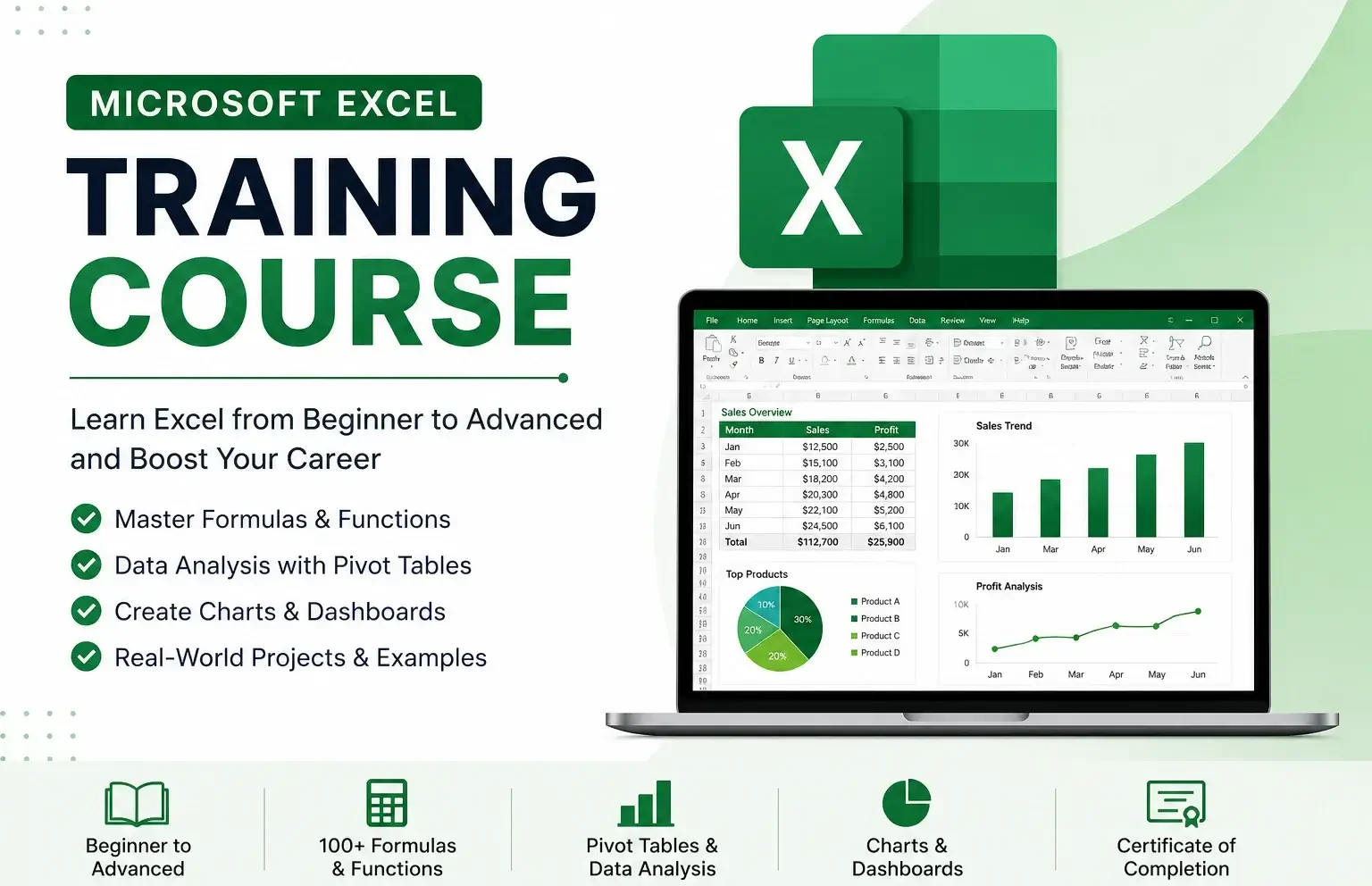
Learn Microsoft Excel from beginner to advanced. Build skills in data analysis, formulas, and reporting with real-world applications.
 What You’ll Learn
- Create and format spreadsheets
- Use formulas & functions (SUM, IF, VLOOKUP, XLOOKUP)
- Analyze data with Pivot Tables
- Build charts and dashboards
- Automate tasks (basics of macros)
 Modules
- Basics (interface, formatting)
- Data handling (sorting, filtering)
- Formulas & functions
- Data analysis (Pivot Tables)
- Charts & dashboards
- Advanced tools & automation
 Who It’s For
Students, engineers, business users, and beginners
 Duration
15–30 hours
 CTA
CTA
Start learning today and become an Excel expert!
Want to submit a review? Login and enrolled
This course includes
Master Microsoft Excel from basics to advanced level
Learn 100+ real-world formulas and functions
Hands-on practice with practical datasets
Build interactive charts and professional dashboards
Step-by-step training for Pivot Tables and data analysis
Productivity shortcuts to work faster and smarter
Real engineering, business, and reporting examples
Beginner-friendly structure with progressive learning path
Related Courses
Microsoft Word Training Course

Step-by-step training from beginner to advanced level
Real-world document creation (CVs, reports, business letters)
Hands-on practice with Microsoft Word tools
Microsoft PowerPoint Training Course
Learn from absolute beginner to advanced level step-by-step
Hands-on practice with real presentation projects
Master modern slide design and professional layouts
 Inar Learn