
- 3 Sections
- 7 Lessons
- 2h 6m Duration
InfraWizard Tutorials
Pressure Line Profile
Gravity Line Profile
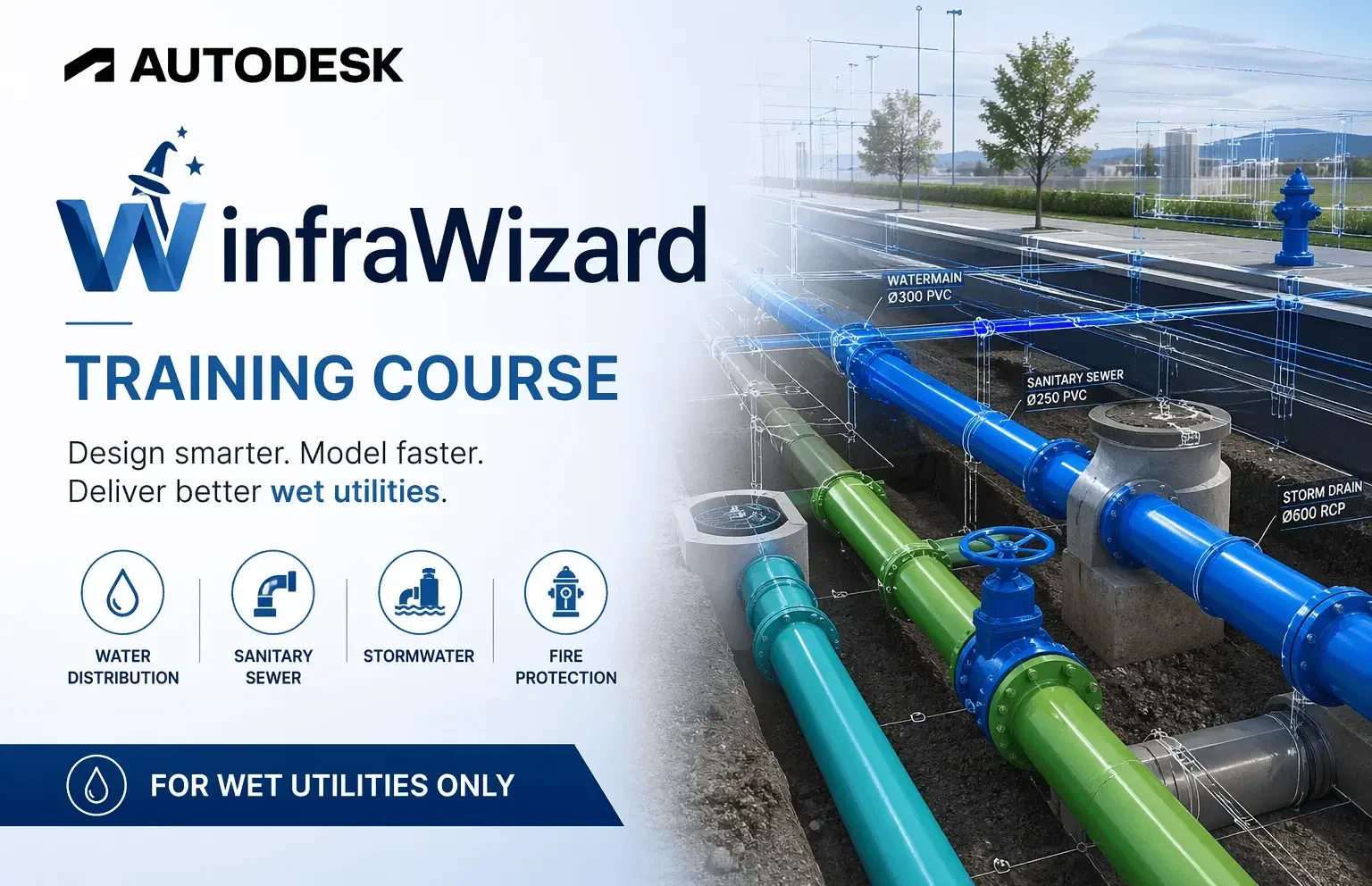
🚀 Autodesk infraWizard Training Course
The Autodesk infraWizard Training Course is a structured learning program designed for civil and infrastructure engineers working with wet utilities, drainage, and utility networks inside AutoCAD/Civil 3D. The course focuses on transforming manual CAD workflows into an automated, intelligent design process using infraWizard tools.
It is organized into 7 progressive sessions, moving from installation to advanced design and BIM export.
📘 Session 01: Installation & Setup
Downloading infraWizard from official sources
Installing the plugin in Civil 3D
System requirements and setup checks
Activating license (trial or full version)
Importing Appurtenances (valves, hydrants, etc.)
First launch and interface overview
🌐 Session 02: Creating & Importing Networks
Creating gravity and pressure networks
Converting CAD objects into pipe networks
Importing external data (GIS / hydraulic models)
Setting up network structure and hierarchy
 Session 03: Network Management & Libraries
Managing networks efficiently
Using pipe libraries and standards
Applying plan styles for drawings
Organizing infrastructure components for projects
✏️ Session 04: Network Modification
Editing pipes and nodes
Split, merge, and adjust pipelines
Modify slopes, elevations, and alignments
Bulk editing tools for fast modifications
 Session 05: Network Analysis
Identifying low and high points
Checking crossing and conflict points
Validating hydraulic consistency
Detecting design issues early
 Session 06: Profile Creation
Generating longitudinal profiles (gravity & pressure networks)
Custom profile styles and annotation
Automatic updates linked to plan view
Engineering-level profile visualization
📤 Session 07: Export & Delivery
Exporting networks to BIM formats
Generating CAD drawings and data tables
Delivering construction-ready outputs
Integrating with BIM workflows (Navisworks, etc.)
🧠 Overall Learning Outcome
By completing the course, users will be able to:
Design full utility networks (water, sewer, stormwater)
Automate drafting and annotation processes
Perform engineering analysis inside Civil 3D
Generate professional profiles and reports
Export BIM-ready infrastructure models
🎯 Course Value (In Simple Terms)
This training turns you from:
👉 Manual CAD drafting
to
🚀 Automated infrastructure design engineer using infraWizard
Want to submit a review? Login and enrolled
This course includes
 Complete infraWizard Mastery – From installation to advanced infrastructure modeling inside Civil 3D
 Wet Utilities Expertise – Learn water, sewer, and stormwater network design workflows
 Real Engineering Workflow – Step-by-step practical training based on real infrastructure projects
 Automation with infraWizard – Reduce manual drafting and accelerate design production
Advanced Network Analysis – Detect errors, optimize slopes, and validate hydraulic behavior
Professional Profile Generation – Create accurate longitudinal profiles for gravity & pressure systems
 BIM-Ready Deliverables – Export clean, construction-ready infrastructure models
 Industry-Focused Skills – Designed for civil engineers, BIM modelers, and consultants
 Career-Oriented Training – Build job-ready skills for infrastructure and utilities design roles
Related Courses
Autodesk Infoworks ICM Training Course

 Comprehensive Learning Path – From beginner fundamentals to advanced hydraulic modeling techniques
Hands-On Practical Training – Work on real-world projects and engineering scenarios
1D & 2D Modeling Mastery – Learn to simulate complete drainage and flood systems
 Inar Learn